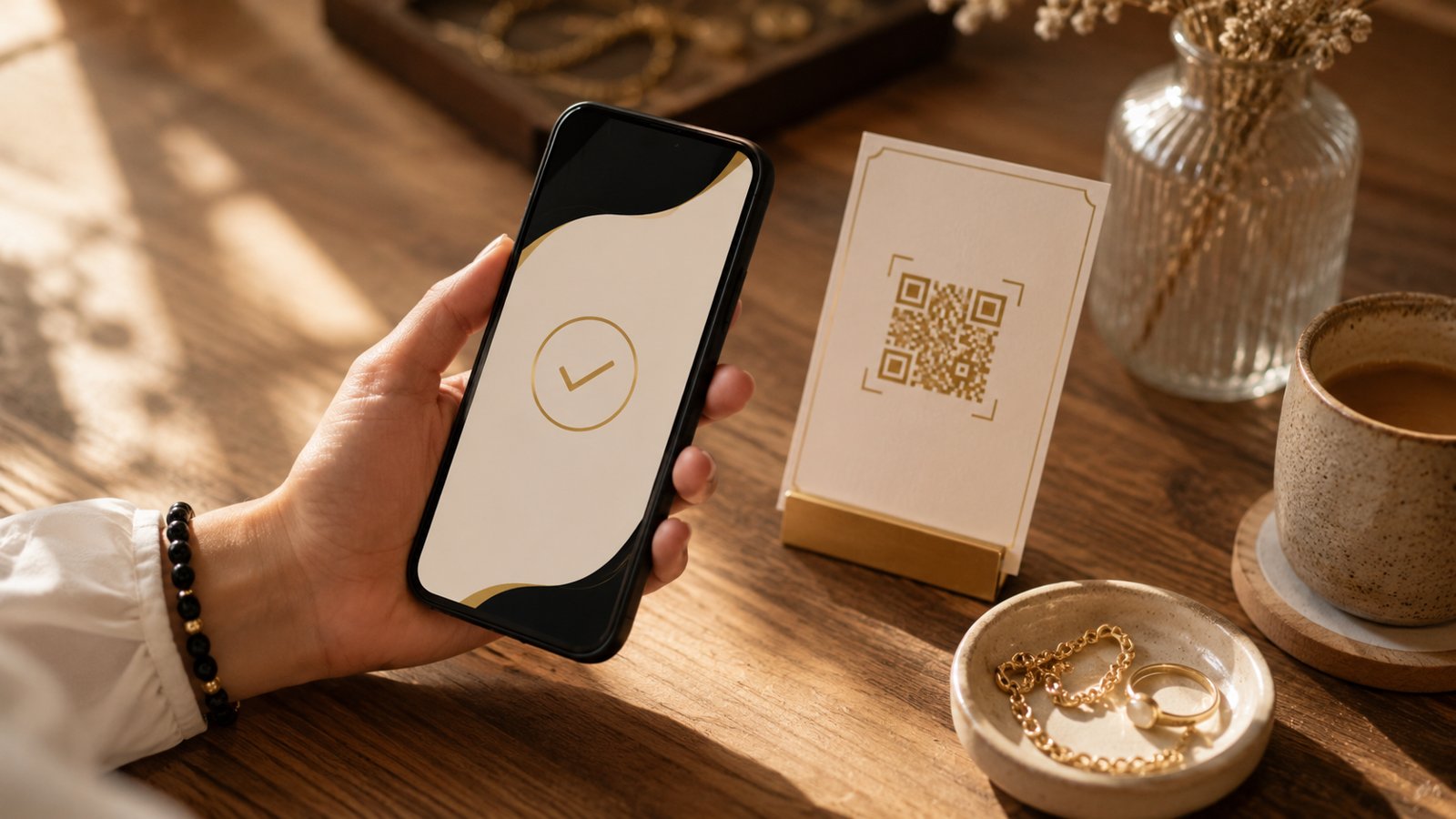
Most people think collecting payments online is a project: buy a domain, build a website, get a payment gateway approved, wait, integrate, test. Weeks pass before the first rupee comes in. It doesn't have to be that way. With one scannable page, you can be taking payments from day one — no website, no developer, no waiting.
Here's how, and why it works.
The old way vs the one-page way
The traditional path to "accepting payments" stacks up fast: a website to host, a designer to make it look right, a payment gateway with its own approval and paperwork, and someone to wire it all together. Each step is a delay — and a cost.
A one-page site (your pitch page or catalogue) collapses all of that. The page is already built by AI, already live, already found on Google. Adding payments is the last small step, not the whole project.
The shift: stop building the place where you'll eventually sell, and start selling on the page you already have.
What you can collect — your choice
Different businesses need different things, so you pick what fits:
- UPI — enter your UPI ID and every product shows a "Pay via UPI" button with its price. Money lands straight in your account. Perfect for home and small businesses — no registration, no fee.
- Your own payment link — already have Razorpay, Stripe, PayPal or Gumroad? Paste the link and it becomes a "Pay now" button.
- Cards, including international — connect a card processor once and your page accepts cards from customers anywhere, in any currency. Ideal once you're a registered business and want to sell beyond your city.
You're never locked into one method — use UPI today, add cards later, or run both side by side.
Why "from day one" is the real unlock
- No build, no wait. The page is live the moment you publish; payments switch on with a tap.
- Found on Google. The page is SEO-ready out of the box, so people can discover you and pay you in the same visit.
- Sell worldwide. Card payments mean a customer in another country can buy as easily as one down the street.
- No tech to maintain. No gateway dashboard to babysit, no plugins to update — it just works.
- One scan, one decision, one payment. The customer scans, sees what you offer, and pays — no detours.
How to set it up (a few minutes)
- Build your pitch page or catalogue — describe your business (or speak it, or drop product photos) and AI writes it.
- In the builder, open the Payments dropdown and choose UPI, your payment link, or cards.
- Publish and share the QR — on packaging, a poster, your Instagram bio, or a WhatsApp message.
That's it. The same code keeps working forever, and you can change prices or payment method anytime without reprinting.
The takeaway
You don't need a website to get paid. You need one page that shows what you offer and lets people act — and the ability to start the day you launch, not weeks later. That's the whole idea behind QRYZEN: your business, in a scan — and now, paid from day one.
Ready to try it? Build a free one-page site or catalogue, turn on payments, and share one scan.