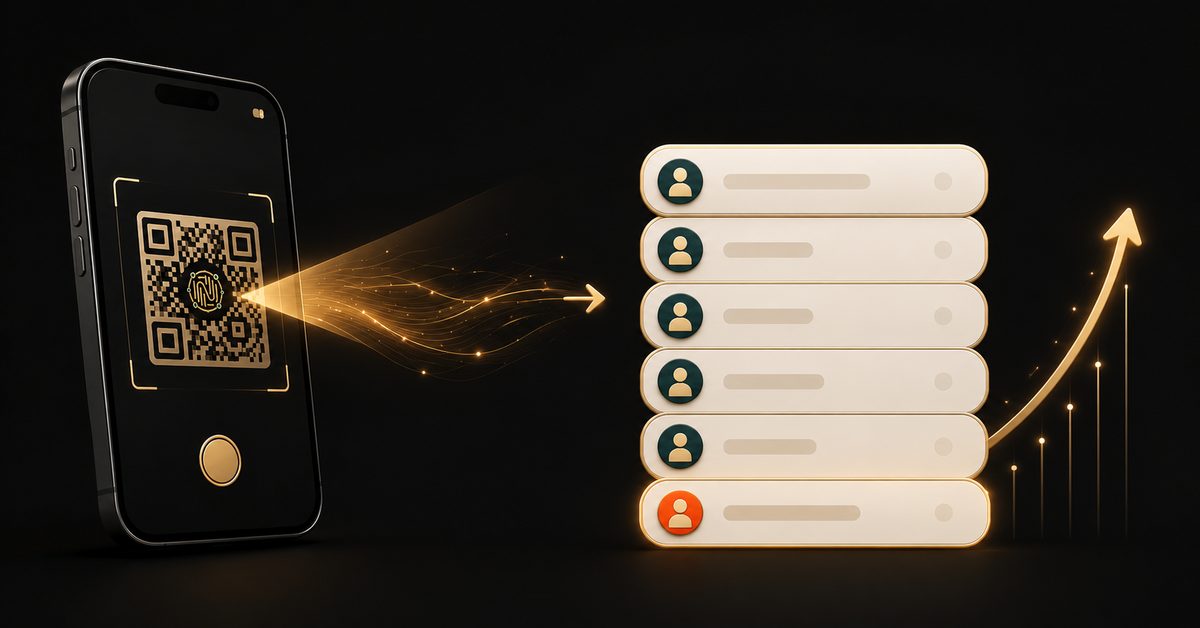
The smartest thing you can do before launching a course isn't building the course — it's building the waitlist. A waitlist tells you whether people actually want what you're making, gives you a warm audience to sell to on day one, and turns "I hope people buy" into "I know who's waiting." And the easiest way to grow one is a single QR code.
Why start with a waitlist at all
A waitlist does three jobs at once:
- Validation — if people won't give you their email for a free spot in line, that's useful information before you've spent months building.
- A warm launch list — people who opted in are far more likely to buy than cold traffic on launch day.
- Momentum — "200 people are already on the waitlist" is social proof you can use in your marketing.
A launch to a waitlist is a conversation with people who already raised their hand. A launch to nobody is a shout into the void.
How a QR makes the waitlist effortless
Put a QR code wherever you already have attention — your bio, a reel, a webinar slide, a flyer — and one scan opens a tiny form: name and email, maybe a dropdown for "which topic interests you most?" That's it. They're on the list, and they get a friendly confirmation email so they remember they signed up.
With a QRYZEN AI Form, you don't build any of this by hand. Create a Form, pick the Waitlist template (or describe it and let AI draft it), and publish. You get a page at qryzen.com/f/your-name and a QR to share. Because it's dynamic, the same code can later point to your enrolment page when you're ready to open — no reprint.
Make the signup worth it
People give their email in exchange for something. Sweeten the waitlist:
- Early-bird pricing — "waitlist gets the launch discount"
- First access — "doors open to the waitlist 24 hours early"
- A small freebie — a checklist, a sample lesson, a template
Say what they get, right on the form's intro line. That one sentence is the difference between a trickle and a list.
From waitlist to enrolment — same scan
When you're ready to launch, the connected flow shines. You can turn that same form into the enrolment step:
- Form — name, email, and which batch they want
- Pay & enrol — your Stripe, Razorpay or UPI link, so they confirm their seat on the spot
- Confirmation email — with the payment link again, so they can finish from their inbox
One QR can carry someone from curious to paid student without a website in between. (A quick honest note: QRYZEN never touches card details — you connect your own payment link, and your provider handles the transaction securely.)
Where to put your waitlist QR
- Your Instagram bio and a pinned post
- The end of every reel, Live and webinar
- A lead-magnet PDF (put the QR on the last page)
- Event flyers and slides where your ideal students already gather
The payoff
Every scan adds a real, contactable person to your list — landing in your dashboard where you can export and follow up, segment by interest, and message on launch day. You stop guessing whether there's demand, and you start launching to people who are already waiting.
Build the list before you build the course. One QR is all it takes to start. Create your waitlist form free →