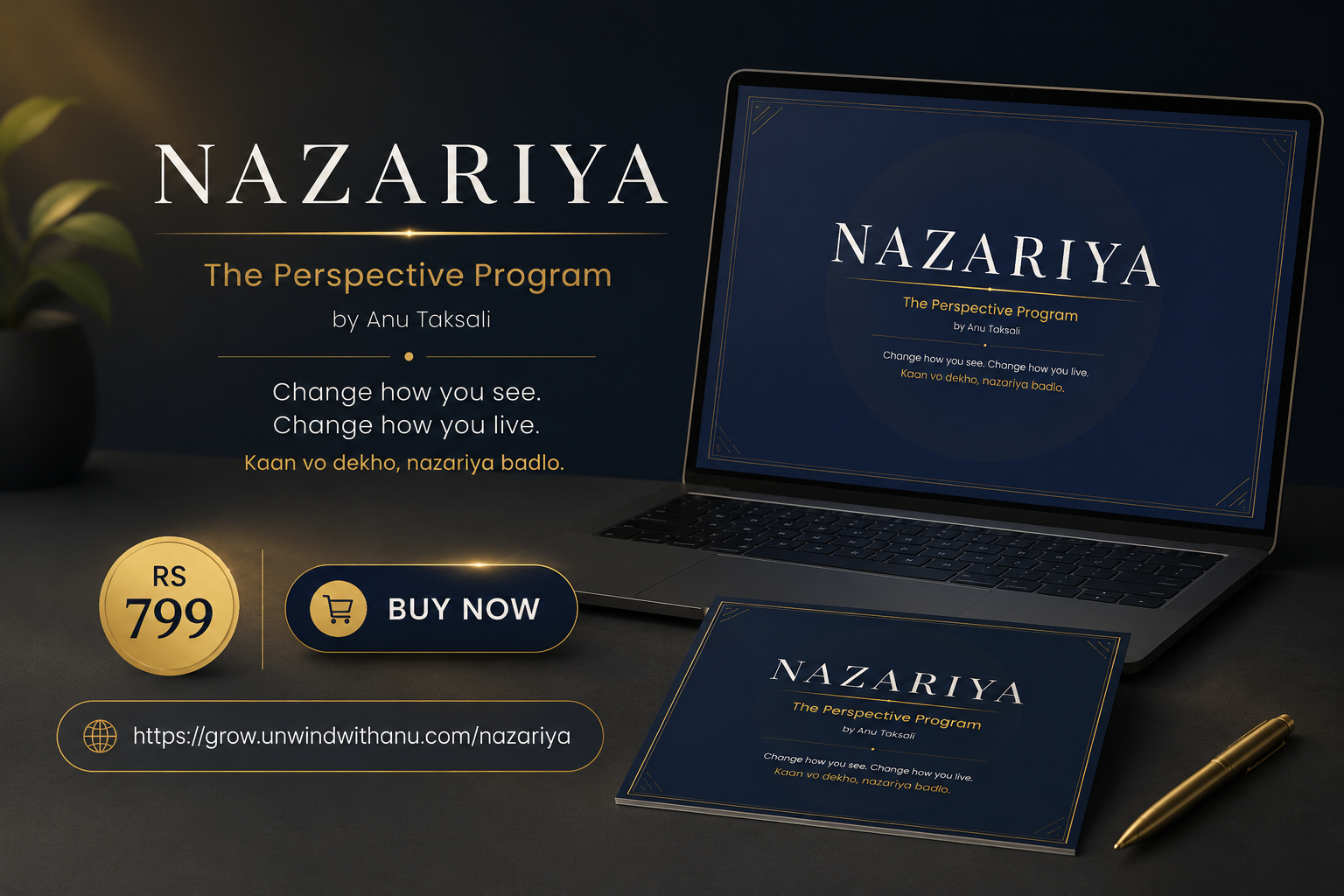
You already know something people would pay to learn. A recipe system, a parenting framework, a Notion template, a checklist that saves hours. That's a digital product — and it's the simplest thing to sell, because you make it once and sell it forever. The only thing stopping most people is the setup. So let's remove it.
What counts as a digital product
Anything valuable that can be delivered as a file or a link:
- An ebook, guide or workbook (PDF)
- A template (Notion, Canva, spreadsheet)
- A mini-course or video series
- A checklist, cheatsheet or swipe file
- Presets, fonts, audio — anything downloadable
You don't need a "course platform." You need one good thing and a clean way to sell it.
Step 1 — make the product
Start smaller than you think. One tight, genuinely useful resource beats a bloated "ultimate" anything.
- Pick the one outcome you help people get.
- Put it in the simplest format that delivers it (a PDF guide, a template link, a short video).
- Name it for the result, not the format — "The 7-Day Clarity Reset", not "PDF Document".
A digital product is a promise kept in a file. Make the promise small and specific, and keep it completely.
Step 2 — host the file
Your product needs a link people receive after they pay. The easiest options:
| Format | Host it on |
|---|---|
| PDF / file | Google Drive (set to "anyone with the link"), Dropbox |
| Template | The native share link (Notion, Canva, Sheets) |
| Video / course | An unlisted YouTube link or a hosting link |
Copy that delivery link — you'll hand it over after payment.
Step 3 — sell it with one scannable page
This is where most people overbuild. You don't need a store, a checkout system or a website. You need a single page that:
- Shows what the product is and who it's for
- States the price
- Takes the payment
- Delivers the file
A QRYZEN page does all four. Two clean ways to set it up:
- An AI pitch page — describe the product and AI writes the sales copy, with a "Buy now" or "Pay" button (your UPI/GPay payment link) and the delivery link as the next step.
- An AI catalogue — list several digital products together, each with its price and order button. Perfect if you sell a small range.
Print the QR or share the link in your bio. Edit the price or the file anytime — the page (and code) never break.
The whole flow, end to end
- Make one tight digital product.
- Host the file; copy the delivery link.
- Build a free QRYZEN pitch or catalogue page.
- Add your payment link + delivery link.
- Share with one scan. Sell it while you sleep.
No website. No store fees. No tech project. Just your knowledge, a price, and a page that sells it.
Create a free page to sell your digital product — you could be live before lunch.