Start from a template
AI Brand Page templates
Real, ready-to-use templates for different kinds of businesses. Preview any one, then make it yours — your words, your brand — in minutes.



Why start from a template
The blank headline field is where most brand pages die
You open a page builder meaning to write something good. The first field asks for a headline. You type three versions of the same sentence, delete all of them, and close the tab. Weeks later the link you send after a meeting is still a phone number and a screenshot.
A template removes that moment. You start with a page that already has a shape — a headline that says what the business does, a short story, the proof, and the buttons in the order people actually tap them. Your job changes from writing to correcting, and correcting is far easier than inventing.
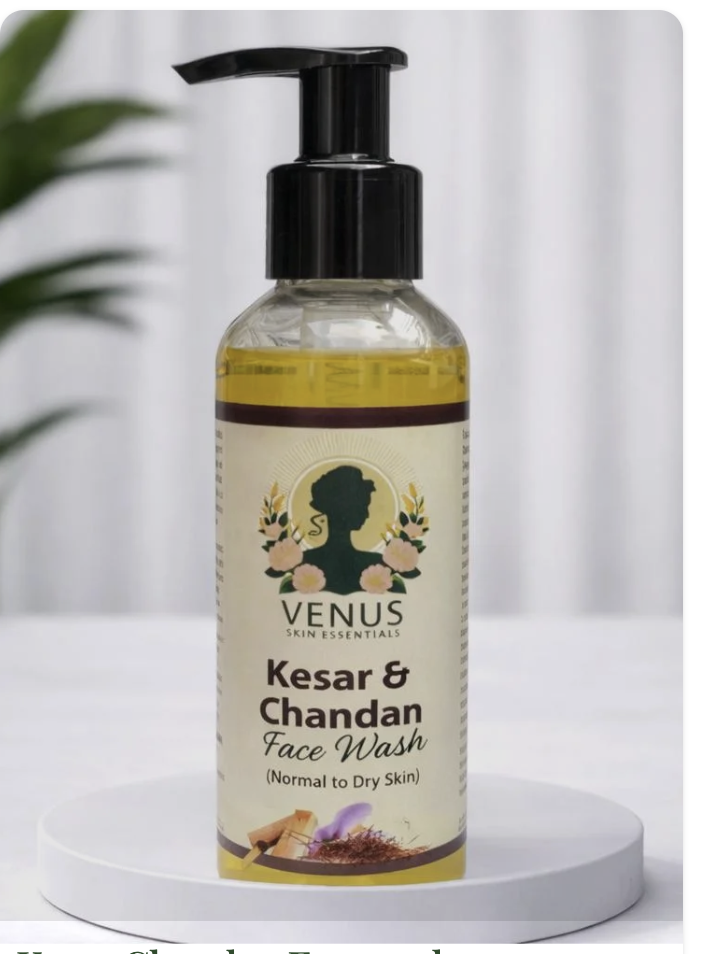
Every template here is a real, publishable page rather than a picture of one. Open any of them and you are looking at the finished thing: the layout, the section order, the length of the copy, the way the action buttons sit at the bottom. Eight business types are covered — a jewellery store, a skincare brand and a home bakery on the retail side; a coach's personal brand, a transport and logistics service, a real-estate service and a financial adviser on the service side; and a software product for anyone launching SaaS.
None of them will match your business exactly, and none of them needs to. Pick the one whose shape is closest to how you sell, then replace the words. The structure is the part that took the work.
How a template becomes your page
- 1
Preview the closest one
Open the template whose business type sells the way yours does — browsing, booking, or explaining. Read it as a customer would, top to bottom, on your phone.
- 2
Replace the words, keep the shape
Tap Use this template and the whole page loads into the builder. Swap the headline, the story and the proof for your own. You can also paste your website link or upload a photo of your flyer and let the AI draft the first pass from that.
- 3
Publish, print the code once
Your page goes live at qryzen.com/s/your-name with its own QR code. Edit any line later — prices, offers, buttons — and the printed code keeps working, because the code points at the page, not at a version of it.
Other template galleries
Sales funnel templates
For when the goal is one decision rather than a browse — a discovery call, a course sale, a webinar sign-up or a free download.
Catalogue and lookbook templates
For a set of products shown properly: five layouts of the same catalogue, plus jewellery, fashion, café and skincare examples.
What an AI Brand Page is
The product behind these templates — what it does, what it costs, and how it differs from a one-page website.
Common questions
Are these templates free to use?
You can preview every template and build your page from one for free. Publishing it live is included on any paid plan and during the 7-day free trial. Static QR codes stay free forever.
Do I have to keep the template's design?
No. The template is a starting point, not a cage. Every headline, paragraph, image, colour and button is editable, and you can delete whole sections you do not need. Most people keep the section order and change everything else.
Do I need a website or a domain first?
No. The page is hosted for you at qryzen.com/s/your-name. That is the point of it — a real, shareable brand page without buying a domain, paying for hosting or hiring anyone. If you already own a domain you can point it here later.
Can I sell products directly from the page?
Yes. Add product cards with an image, a name and a price, then either a Pay button running on a gateway you connect yourself — Stripe, PayPal, Razorpay, Cashfree or Instamojo — or an Order on WhatsApp button if you would rather take orders in chat. Payments land in your own account.
If I edit the page later, does the QR code change?
No. The code is dynamic: it points at your page, so edits appear instantly behind the same printed square. You can change your prices, your offer or your whole pitch without reprinting a single card.
My business is not one of the eight. Which template should I pick?
Choose by how you sell, not by industry. If customers browse items and pick one, start from a retail template. If they need to understand you before they commit, start from the coach or service templates. If you are explaining a product and driving sign-ups, start from the software one.
Yours can look like this in minutes
Paste a link, write a few lines, or upload a photo — the AI builds the first draft and you correct it. Free to start.
Build my Brand Page free